Hudu API Key Creation & Integration
Last updated: February 11, 2026
This guide outlines the steps required to integrate your Hudu instance with the zofiQ Platform.
Step 1: Creating the API Key
Once you have logged into Hudu with your administrative account, select "Admin" | 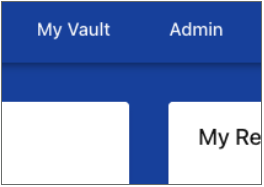 |
Then select "API Keys" | 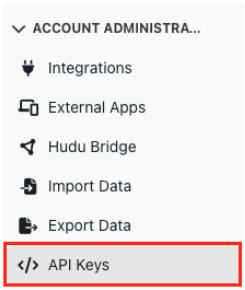 |
Click on the "+ New API Key" button |  |
Name the new API Key “zofiQ API Key”.
| 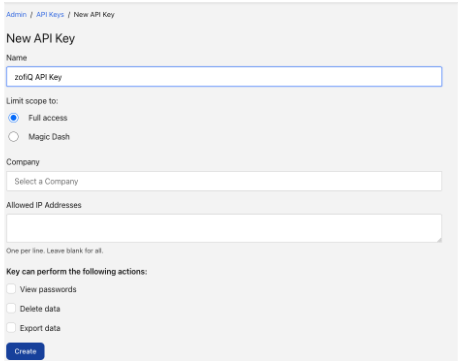 |
You can now copy your API Key and share it with zofiQ. | 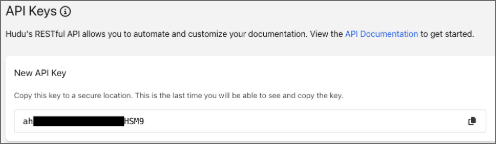 |
Once completed, please share the API Credentials with zofiQ via a secure vault or encrypted email. andrew@zofiq.ai and chris@zofiq.ai
If you are unable to, please advise support and we will provide you with a tempory vault.