Summary Line Agent (ConnectWise)
Last updated: February 2, 2026
Overview
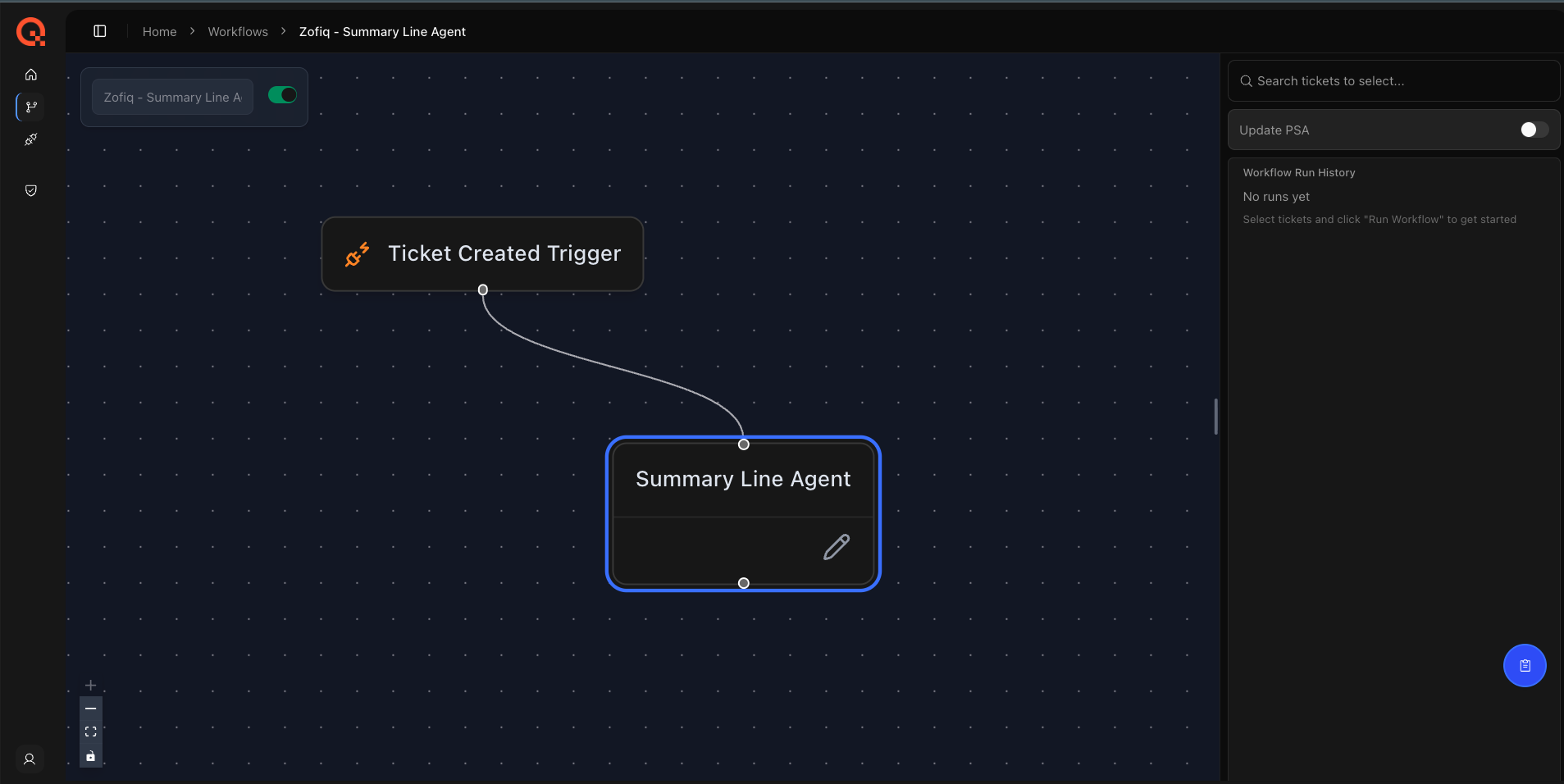
The Summary Line Agent ensures that ticket summary lines are clear, descriptive, and actionable.
This agent evaluates whether the existing ticket summary is well written or poorly formed and, when needed, uses AI to generate an improved summary that better reflects the full ticket context.
The goal is to reduce ambiguity, improve technician readability, and ensure downstream workflows start with a high quality ticket description.
When This Agent Runs
The Summary Line Agent runs when a ticket enters a configured board, reaches a configured status and matches a trigger company.
Trigger conditions from the configuration must be met for the agent to activate.
This agent is designed to run last in the triage workflow, after company, contact, agreement, urgency, and dispatch decisions have already been made. This ensures the summary reflects the final and correct ticket context.
What This Agent Can Change
The Summary Line Agent updates only the following field:
Summary
The agent does not modify any other ticket attributes. When triggered, the agent evaluates the existing summary line and determines whether it should be preserved or replaced with a clearer, more accurate version derived from the full ticket context.
Configuration Options
Board and Status Filters
The first configuration step defines where and when the agent is allowed to run.
Select the board where the agent should activate
Select the ticket status that triggers the agent
This ensures summary refinement only occurs at the intended stage of your workflow.
Company Filters
The Summary Line Agent uses company based filters to determine which tickets should be evaluated.
Company Filter
Select one or more company values that should trigger summary evaluation when they appear on a ticket. This allows you to limit summary rewriting to specific customers or workflows.Excluded Companies Filter
Select one or more companies that should never be changed by the agent when they are present at the time the agent is triggered.
If a ticket initially enters the workflow with an excluded company value, the Summary Line Agent will not evaluate or modify the summary.
How Summary Decisions Are Made
The Summary Line Agent evaluates the quality of the existing summary using the full ticket context, including:
The current summary text
Ticket description and notes
Final company, contact, agreement, urgency, impact, and priority context
If the summary is determined to be incomplete, vague, or misleading, the agent generates a clearer and more actionable version and updates the ticket accordingly. If the summary is already well written, no change is made.
Interaction With Other zofiQ Agents
The Summary Line Agent is part of zofiQ’s coordinated triage workflow and intentionally runs after all other triage agents.
At a high level, the orchestration flow is:
Company Agent
Identifies and confirms the correct company as early as possible to establish core ticket context.
Urgency, Impact, and Priority Agent
Evaluates urgency, impact, and priority early using the initial ticket content and company context.Board Agent
Determines the correct board for the ticket based on classification rules and routing logic.Contact Agent
Assigns or corrects the contact once company and agreement context is finalized.
Agreement Agent
Assigns the appropriate agreement using stabilized company and priority context.Dispatch Agent
Assigns ticket ownership after all classification and contractual decisions are complete.Summary Line Agent
Generates or refines the ticket summary last, incorporating all prior decisions and final context.
Visibility and Control
All Summary Agent decisions follow the configured filters, overwrite rules, and SOP constraints.
Every action taken by the agent is fully observable:
All evaluation steps, decisions, and execution outcomes are recorded in the agent’s individual Workflow Logs
Any changes applied by the agent are also reflected in the audit trail of each ticket it affects within the PSA
This provides a clear, end to end view of what the agent evaluated, what decision it made, and why, ensuring agreement assignment remains predictable, auditable, and aligned with how your organization delivers and bills for services.
If you have any other questions or concerns you can reach out to support@zofiq.ai