zofiQ Copilot: Initial POD Setup for ConnectWise PSA (Manager Only)
Last updated: February 8, 2026
Overview
This setup is required once by the zofiQ Manager/Platform Admin, during the first-ever zofiQ Copilot configuration, to enable Copilot access for your team inside ConnectWise PSA.
The steps below must be completed by a user with ConnectWise PSA Administrator permissions.
What This Setup Does
The zofiQ Copilot POD embeds Copilot directly inside your ConnectWise PSA Service Tickets, allowing technicians to interact with zofiQ without leaving their workflow.
Video Walkthrough
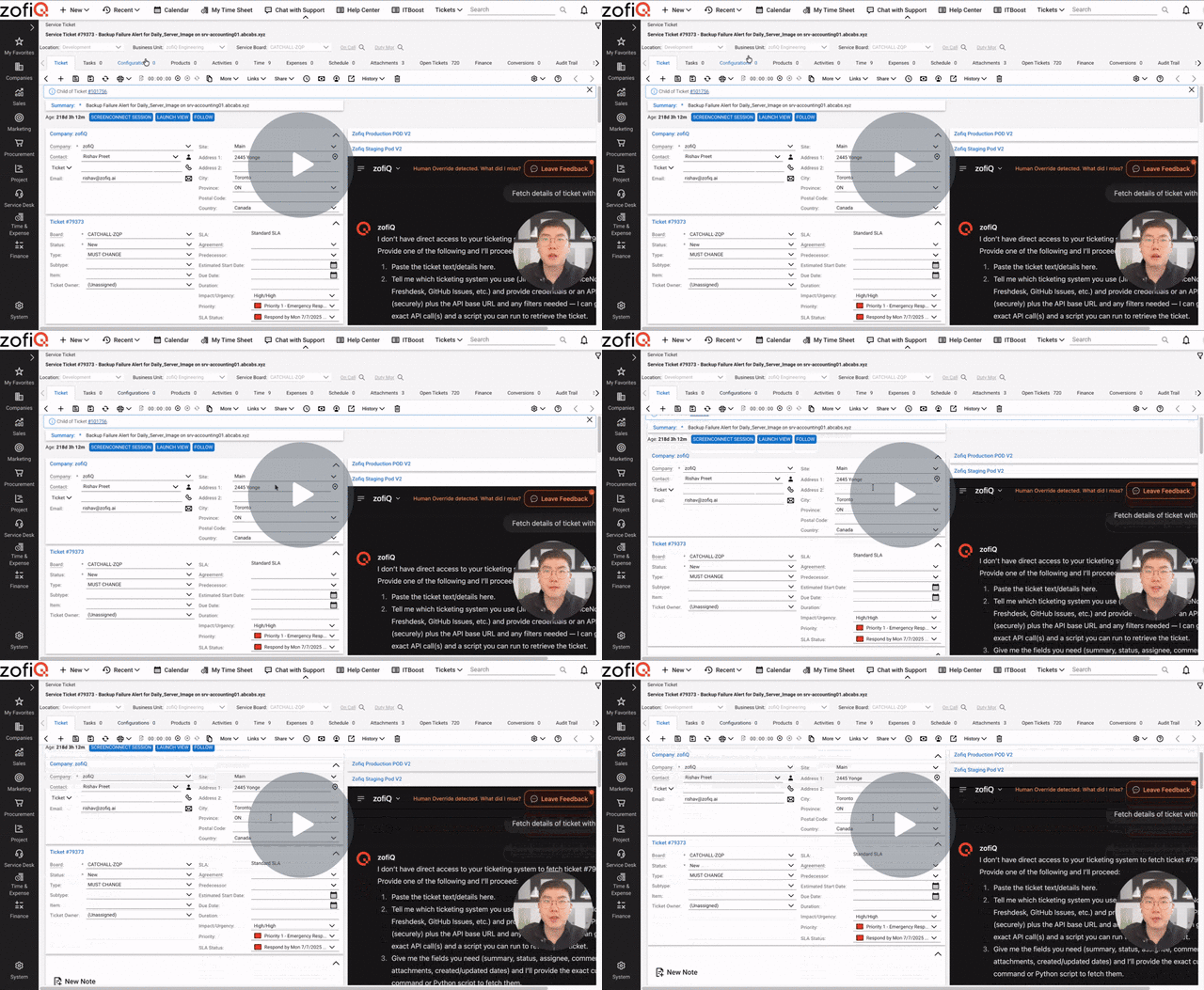
zofiQ Copilot: Initial POD Setup for ConnectWise PSA (Manager Only) - Watch Video
Step 1: Manage Hosted API Setup
Log in to ConnectWise Manage PSA
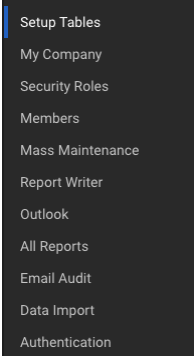
Navigate to System
Select Setup Tables
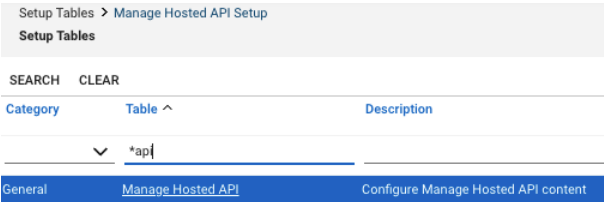
In the Table field, enter *api
Click Search
Select Manage Hosted API
Step 2: Configure the Hosted API Entry
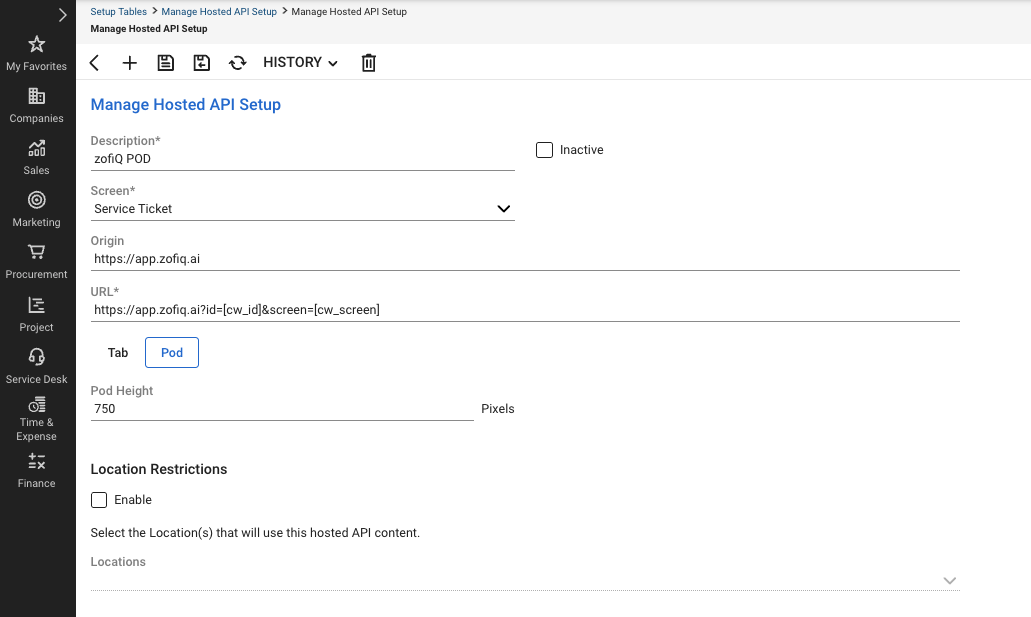
Description: zofiQ POD
Screen: Service Ticket
Origin: https://app.zofiq.ai
Ensure POD is selected
POD Height: 750
Once complete, click Save.